 Prompt Advisers
Field Notes · AI Tutorials
Local AI Setup: The Command Center Anyone Can Build
A local AI setup runs open models on your own hardware. Here is the five-layer stack I use, wired together with Claude Code.
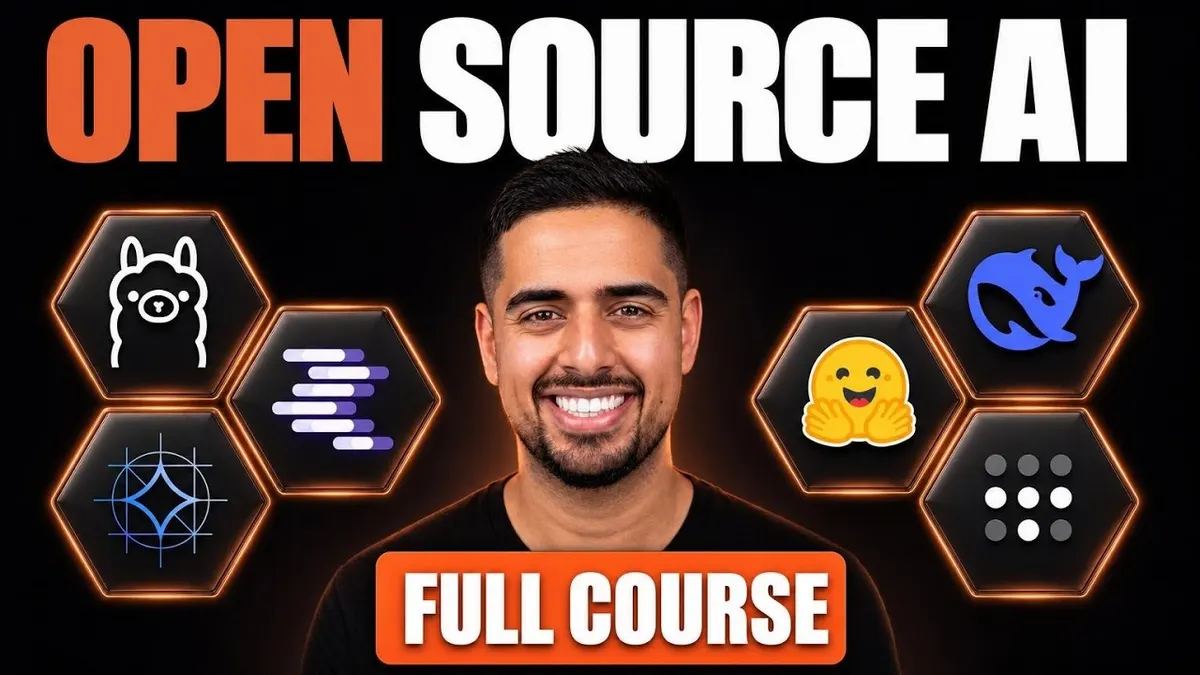
A local AI setup runs open-weight models like Qwen, GLM, or Kimi on hardware you own instead of renting intelligence from a closed API every month. You get four things a subscription cannot promise: no vendor risk if a provider pulls a model overnight, a cost that tops out at electricity, real privacy for sensitive files, and always-on agents that watch your system for pennies a day.
Why a Local AI Setup Is Worth Building Right Now
Last week Anthropic pulled its newest models, Fable 5 and a related release, for several days. They came back, but the version that returned was noticeably weaker than what shipped originally. That is vendor risk in plain sight, and it is the best argument for keeping a local AI setup as a backup, not a replacement.
The economics point the same way. Plans priced at 100 to 200 dollars a month reportedly deliver 6,000 to 15,000 dollars of backend usage, subsidized by venture capital that will not last. Add real privacy, since prompts never leave your machine, and ambient agents that scan for security issues for pennies instead of thousands in API credits, and the case builds itself.
The Five Layers Behind Every Local AI Setup
Every local AI setup stacks the same five layers, and naming them clears up most of the confusion. Hardware sits at the bottom, your laptop, Mac mini, or desktop, capping what you can run and how fast. Above it sits the model, an open-weight file from a lab like Alibaba's Qwen or Moonshot's Kimi, where you can see the actual weights instead of trusting a black box.
Next is the inference engine, usually llama.cpp, which runs your prompt through the model on your chip. The gateway layer, typically LiteLLM, is a switchboard so swapping models means swapping a cable, not rebuilding anything. The final layer is the interface, a chat window on top of a harness that gives the model hands to read files and run commands, the same core idea behind any agentic OS, just on hardware you own.
Letting Claude Code Choose Your Models And Hardware
You do not need to research any of this by hand. Ask Claude Code or Codex to pull the latest open models from the Open Router API, sort them by text-only versus multimodal, then cross-reference the list against your actual RAM and chip. It comes back with a real short list instead of guesswork.
From there it pulls the recommended model straight from Hugging Face, installs Ollama or LM Studio if needed, and patches broken Python dependencies on its own. On my setup it caught a version conflict, fixed it, and had a 65 gigabyte model running at 60 tokens per second without me touching a command.
Taking Your Local AI Setup On The Road
A local AI setup only lives on one machine unless you wire it into a private network. Tailscale does that job, an encrypted mesh that lets every device you own, phone included, act like it is sitting next to your Mac mini, free for unlimited devices and up to six users. A prompt from your phone routes straight to the machine running the model and back, with no port forwarding and no exposed server for a stranger to find.
Borrowing Claude Code's Harness For Open Models
You do not have to give up Claude Code's harness to run an open model. Point it at Open Router's docs and ask it to wire up a shortcut command, and you launch straight into Kimi K3 or GLM 4.6 while keeping every tool Claude Code gives you, including sub-agents that fan out in parallel. Use this to test models on real tasks before committing download time to any one of them.
The Jargon That Scares People Away
Parameter count, in the billions, is a rough proxy for capability, and dividing it by two estimates the RAM you need. Quantization compresses a model the way lowering video resolution compresses a picture, and 4-bit is usually the floor before quality drops off. GGUF runs everywhere through llama.cpp, while MLX is Apple's native format, faster on a Mac but useless elsewhere. KV cache is everything the model has read so far, and pruning an oversized system prompt can turn a two-minute response into 30 seconds.
Building The Command Center
Once you know the five layers, a project like Ahmad Osman's open source Osmantic ODS turns them into one dashboard. Feed Claude Code the GitHub link, have it fan out sub-agents to read the repository, and let it map your downloaded models onto the setup. Mine took 45 minutes of unattended work and ended with a working dashboard for chat, document search, and image generation, all local. Building this at scale for a team is exactly what we cover in enterprise AI consulting.
Mark's Final Thoughts
A local AI setup is not about ditching Claude or GPT. It is a working backup for the day a provider changes the deal on you, and it costs a fraction of what people assume once Claude Code handles the plumbing. The providers and model names will change by the time you read this. The five layers will not.
Local AI Setup FAQs
What is a local AI setup?
A local AI setup runs open-weight models like Qwen, GLM, or Kimi directly on your own laptop, Mac mini, or desktop instead of calling a closed API like Claude or GPT. You own the hardware layer, the model, the engine that runs it, and the interface you chat through, so nothing leaves your machine unless you choose to send it out.
Do I need expensive hardware for a local AI setup?
No. Divide a model's parameter count by roughly two to estimate the RAM you need, so a 14 billion parameter model needs about 5 to 7 gigabytes, well within a normal laptop. You only need a beast of a machine, like an Apple M5 Max with 128GB of unified memory, if you want to run the biggest models at full quality.
Can Claude Code help set up a local AI setup?
Yes, and it is the fastest path if you are not technical. Point Claude Code or Codex at your hardware specs and an open source dashboard repo like Osmantic ODS, and it will check your RAM, recommend models through the Open Router API, pull them from Hugging Face, and fix any broken dependencies along the way.
What is the difference between GGUF and MLX models?
GGUF is the universal format. It runs on almost any hardware through llama.cpp, including Ollama and LM Studio. MLX is Apple's native format, built specifically for Apple Silicon, so the same model runs noticeably faster on a Mac. If you are not on a Mac, skip MLX and download GGUF.
Is a local AI setup actually private and secure?
Your prompts and data stay on hardware you control, which matters most for sensitive work like processing personal health records or financial data. Pair it with Tailscale, a private encrypted mesh network, and you can reach your local models from your phone anywhere without ever opening a port to the public internet.
By Mark Kashef
All field notes