 Prompt Advisers
Field Notes · Claude Code
Claude Code Video Input: Feed It Raw MP4s, No Skill Needed
Claude Code video input now works out of the box: drag in a raw MP4 and both it and Codex read frames, audio, and silence.
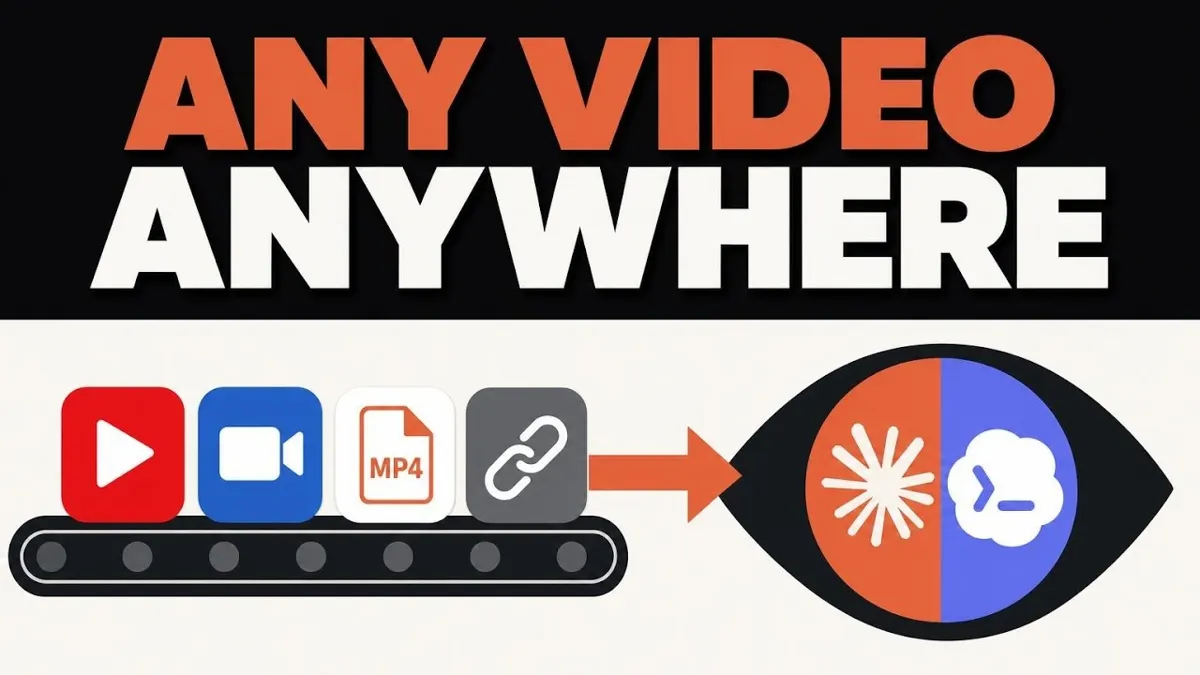
Claude Code video input means you can now drag a raw MP4 straight into Claude Code or Codex and have it watch the footage, hear the audio, and reason about both, no skill, no plugin, no extra subscription. It ships quietly alongside the screen-record-to-skill feature both tools added recently, and neither Anthropic nor OpenAI wrote a word about it.
TL;DR
- Drag and drop a raw MP4, or hand it a link, and Claude Code and Codex both break it into per-second frames, pull the audio, and sync it against the transcript, no skill or plugin required.
- Mark recommends 10 to 20 minutes of footage at a lower resolution, since heavy frames burn context fast, while Gemini still leads on max length at close to an hour.
- Hack the Record and Replay skill to audit your own workflow instead of building a skill, just tell it not to make one.
- Three real use cases: fixing a website from a Loom walkthrough, cloning a 3D site's feel from a screen recording, and turning a manual research process into an SOP.
How Claude Code Video Input Actually Works
Claude Code video input works by chopping your MP4 into frames, pulling the audio track, and lining both up against a transcript before any of it reaches the model. A few months ago this took a dedicated skill or plugin just to open a single video file. Now it's native, and it slots into the same agentic OS most people already run, just one more tool layer.
Mark tested it by sending the identical prompt to both tools: watch this end to end, flag any dead air, and mark what should get cut from the transcript. Both went further than the transcript alone, breaking the footage into a second-by-second frame set matched against the audio. That's the trick: it knows what you said, how, and what was on screen when you said it.
Do You Need a Skill or Plugin to Get Claude Code to Watch a Video?
No, not anymore. Gemini used to be the default pick any time you needed a tool to understand footage, not just read its transcript. Now a standard Claude Code or Codex subscription, zero add-ons, fully processes an MP4. Mark shows three triggers: drag and drop a file, hijack the screen-record skill, or hand it a generic link.
| Tool | Native video input | Skill or plugin needed | Practical length cap |
|---|---|---|---|
| Claude Code | Yes, drag and drop or link | No | ~10-20 min recommended |
| Codex | Yes, drag and drop or link | No | ~10-20 min recommended |
| Gemini | Yes, longest track record | No | Historically ~1 hour before hitting the token window |
How to Fix a Website by Just Recording Yourself Using It
Fixing a website with video input starts with recording yourself clicking through it and saying what bugs you out loud. Instead of translating that recording into a written spec, you skip the middle step and hand it the raw footage.
Mark walked through his own site on a Loom recording, calling out what he wanted changed. He fed the same link to Claude Code and the downloaded MP4 to Codex, both told to watch end to end, not just pull the transcript. Each came back with a full improvement list, and Claude Code cited the exact timestamp tied to each piece of feedback. Point either tool at your codebase and it turns that walkthrough directly into a plan file.
The same approach clones a look and feel. Mark recorded himself scrolling through a 3D website he admired, narrating what he liked about a hypothetical headphone brand version. That recording became the entire prompt, no 15-step mega-prompt required. Codex watched it, used its Gemini skill to generate a clip through Google Veo, and used that as the visual foundation for the new site. Guided reps on this workflow are the kind of build we run live in our AI workshops and bootcamps.
How Long Can a Video Be Before Claude Code Chokes on It?
There's no official cap, but Mark's practical ceiling is 10 to 20 minutes at a lower resolution, since heavier frames burn more of the context window. Gemini caps out further, near an hour, but only because it's pushing close to a million tokens by then. Feeding Claude Code or Codex a video for the first time, trim it down and drop the resolution before you hand it over.
How to Hack the Record and Replay Skill Into a Process Auditor
You hack Record and Replay by telling it not to build a skill. Both tools ship this feature to turn a screen recording into a reusable skill automatically, but the same video interpretation works just as well as a plain process audit.
Mark demonstrated it live: he started a recording, told Codex to watch him for 30 minutes and report workflow improvements instead of packaging a skill, then walked through his research process on X. He clicked tabs, searched terms, pulled results from Grok, and stopped the recording. Codex mapped out the process and flagged how the X API could automate the steps it just watched him do manually. The same trick rebuilds an internal tool instead of paying for a SaaS subscription, the kind of scoping we do in enterprise AI consulting.
Mark's Final Thoughts
Neither Anthropic nor OpenAI made noise about this, but it's already changing how I brief both tools. A screen recording beats a spec doc, and now it beats typing out ten prompts too. Point your next Claude Code or Codex session at a raw video and see what it catches that a transcript alone would miss.
Claude Code Video Input FAQs
Can Claude Code watch a video without a plugin?
Yes. As of August 2026, Claude Code and Codex both accept a raw MP4, dragged in or linked, and break it into frames plus audio on their own, with no announcement from either Anthropic or OpenAI.
How does Claude Code process a video file?
It splits the file into per-second frames, pulls the audio track, and lines both up against the transcript so it knows what was said, how, and what was on screen at that moment.
What is the maximum video length Claude Code can handle?
There's no published cap, but Mark recommends 10 to 20 minutes at a lower resolution, since heavy frames eat the context window fast. Gemini still leads, topping out near an hour.
How do you use the Record and Replay skill for something other than making a skill?
Tell it directly not to make one, something like watch me for 30 minutes and give feedback on my workflow, not a skill. That overrides the default and produces a process audit instead.
Do you need Gemini to get AI video understanding now?
No, not exclusively. Gemini still leads on max length, but a standard Claude Code or Codex subscription, no add-ons, now watches an MP4 end to end and reasons about what happened in it.
By Mark Kashef
All field notes