 Prompt Advisers
Field Notes · AI News
PHP Vulnerability WordPress Sites Must Check Now
A PHP vulnerability on WordPress sites can let attackers take over your server. Here is how to check your site in two minutes with free AI tools.
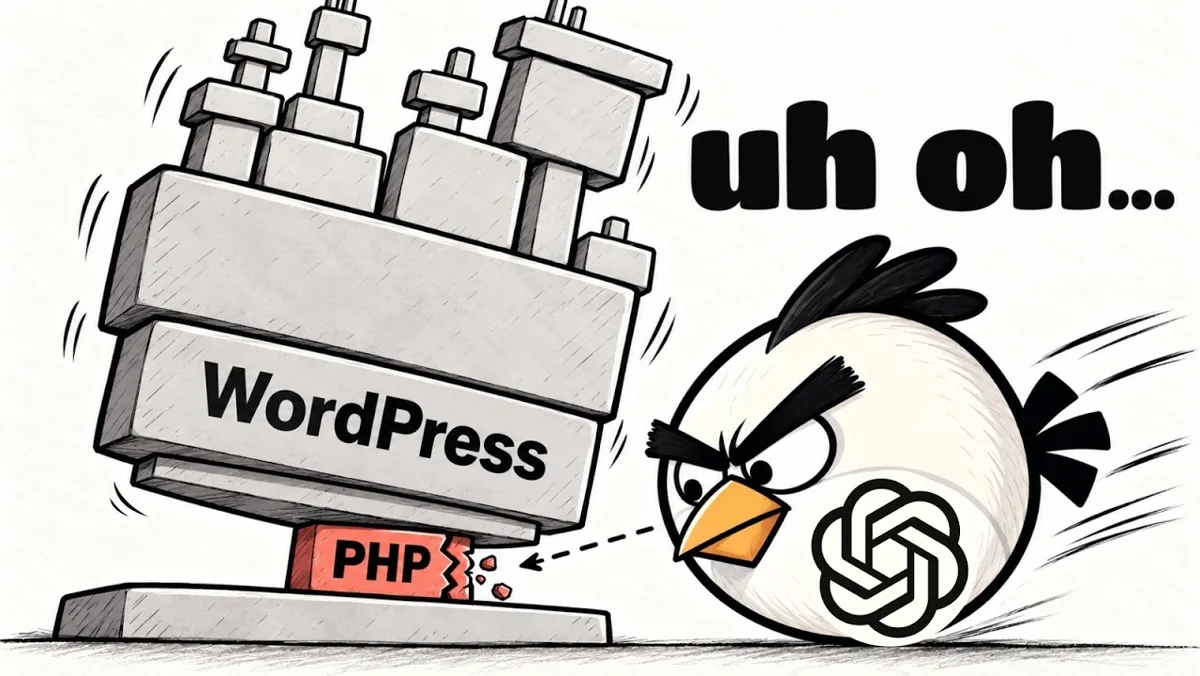
A PHP vulnerability WordPress sites run on can let an attacker take over the computer your site lives on, with no password at all. OpenAI helped expose the bug, and it affects PHP, the code engine behind roughly seven out of ten websites. You can check your own site in under two minutes with a free tool and an AI chat.
TL;DR
- The bug is in PHP itself, which runs about 7 in 10 websites, so most WordPress sites sit on top of it.
- An attacker can take over the host machine without logging in, and the bug can load before WordPress security plugins run.
- If your PHP version starts with 8.1 or lower, upgrade or confirm with your host that the fix is applied.
- OpenAI's free PHP2Shell checker, run through Claude, Codex, or Gemini, tests your domain in about two minutes.
How the PHP Vulnerability WordPress Sites Face Actually Works
The short version: someone sends your site a few specialized requests and gets control of the server underneath it, without ever logging in. What makes it worse is timing. The bug can fire before WordPress has a chance to look at the request.
That means the plugins and settings you installed to protect yourself may never load in time. In plain language, they can't necessarily stop it. I walk through all of this in the video.
Governments in Finland and the Netherlands have already taken some sites offline to avoid risk.
If you want help sorting out your exposure across a whole company, you can Book a fifteen minute discovery call and we will map it out.
Why Is Everyone Worried About This PHP Bug?
Because most of the web was built before vibe coding, and a lot of it sits on PHP. When a flaw lands in the bedrock, a huge number of sites are exposed at once.
Here is the twist that got my attention. This bug has existed for more than a decade. It stayed hidden because proving it was real, and measuring how bad it was, took far too much manual work.
AI changed that. Models can now map the blast radius of hard-to-prove vulnerabilities fast. That is the good news. The bad news is that hackers moved the moment it went public, and plenty of sites, maybe yours, may still be compromised.
I covered a related story in my OpenCode breach breakdown, and another angle in uncensored AI reverse engineer anything. AI is a double-edged sword in cybersecurity. The same models that defend can also break in.
Is Your WordPress Site at Risk?
Your site is most at risk if it runs on WordPress and nobody has touched the hosting in years. Shopify, Wix, and Squarespace users are most likely fine, because those platforms handle the server side for you.
The sites I worry about are the classic small business ones. An agency or freelancer built it, and nobody, including that freelancer, has logged in since. If that sounds like your site or a client's site, keep reading.
How Do You Check Your Site in Two Minutes?
You check it by handing OpenAI's free PHP2Shell checker to an AI tool and asking it to test your domain. Go to OpenAI's GitHub repos and find the one called PHP2Shell. I put the link in the video description.
Then paste the repo URL into Claude, Codex, or Gemini with a prompt like this:
Use OpenAI's free PHP2Shell checker at this link, download it, run the website check against my site only, and tell me in plain English what it found.
I tested it on two sample sites, A and B. One of them was vulnerable. Your AI tool runs the check, sees right away whether the site is vulnerable, and tells you if the PHP version is the wrong one.
If the result is unclear, ask it to draft a message to your hosting provider so you can get it resolved fast.
What Does an Unknown Result Mean?
An unknown result means you are not 100% in the clear, so do your own due diligence. The word unknown is not a pass.
The better move is to log in to wherever you host your website and read the PHP version. It is usually tucked away in a settings page. You can also have your AI use computer use to log in and look for you.
If the version starts with 8.1 or lower, you have two choices. Move to a newer version, or double-check that your host has patched it. The PHP supported versions page shows which releases still get security fixes, and the WordPress requirements page lists the PHP versions WordPress recommends.
One honest con: the AI check is a fast first pass, not a full audit. For a business that depends on its site, a hand review is worth it. Our enterprise AI consulting covers that kind of check.
Final Notes from Mark
This will not be the last bug that pops out of nowhere after sitting quietly for ten years. OpenAI, Anthropic, and Google now have the models to keep stress testing old code. Send this post to anyone running an older WordPress site, and plan to keep your hosting current.
PHP Vulnerability WordPress FAQs
Is my WordPress site affected by the PHP vulnerability?
It can be if your site runs an older version of PHP. Most WordPress sites run on PHP, so check your PHP version in your hosting settings. If it starts with 8.1 or lower, upgrade or confirm with your host that the fix is in place.
Can a WordPress security plugin stop this bug?
Not reliably. The bug sits in PHP itself and can load before WordPress even looks at the request. That means plugins and WordPress settings may never get a chance to run, so the fix has to happen at the PHP level.
Are Shopify, Wix, and Squarespace sites at risk?
Most likely not. Those platforms manage the servers for you and have usually handled this already. The sites I worry about are small business sites that a freelancer or agency built years ago and nobody has logged into since.
How do I check my site with the PHP2Shell checker?
Give OpenAI's PHP2Shell repo link to Claude, Codex, or Gemini. Then ask it to run the website check against your domain only and explain the result in plain English. It will tell you if you are vulnerable and which PHP version needs updating.
What if the checker says my result is unknown?
Unknown does not mean safe. Log in to your hosting account, or have your AI use computer use to do it, and read the PHP version in your settings. If it starts with 8.1 or lower, update it or ask your host to confirm the fix.
By Mark Kashef
All field notes